
How to Get Court Records
The free North Carolina eCourts Portal is the natural first stop for public Currituck court records. Its Smart Search tool surfaces a Case Summary or Register of Actions. That summary is handy for pinning down the case number, the court division, and the document you actually want. Treat it as a reference layer only. The Currituck Clerk of Superior Court is the custodian of Superior Court and District Court files alike. That office is where official copies come from. When the Portal comes up short, other options exist. If a public document is not online, the courthouse public self-service terminal and in-person file inspection are the local fallbacks.
Call the Clerk's main number first. A phone call can confirm current operational details before you ask for a document or a certification. A mail route exists for qualifying payments. No general mail-copy order form is published locally, so plan on another route for copies. The statewide NCAOC Public Records Request form covers Judicial Branch administrative records only. It cannot fetch a Currituck case file, and it cannot get you a certification. Call the Currituck Clerk for those.
- Use Portal Smart Search or the courthouse terminal to identify the public Currituck case number and court division.
- Decide whether the request is for a Currituck Case Summary, a filed document, an ordinary copy, a certified copy, audio, or a transcript.
- Contact the Currituck Clerk or inspect the public file during regular office hours, providing the case number and the document description.
- Ask which Currituck statutory copy and certification charges apply before the Clerk prepares the request.
- Use the Currituck Clerk-issued copy when an official certified court record is required.
The state’s court-records instructions describe the terminal, paper-file, copy, transcript, and audio routes.
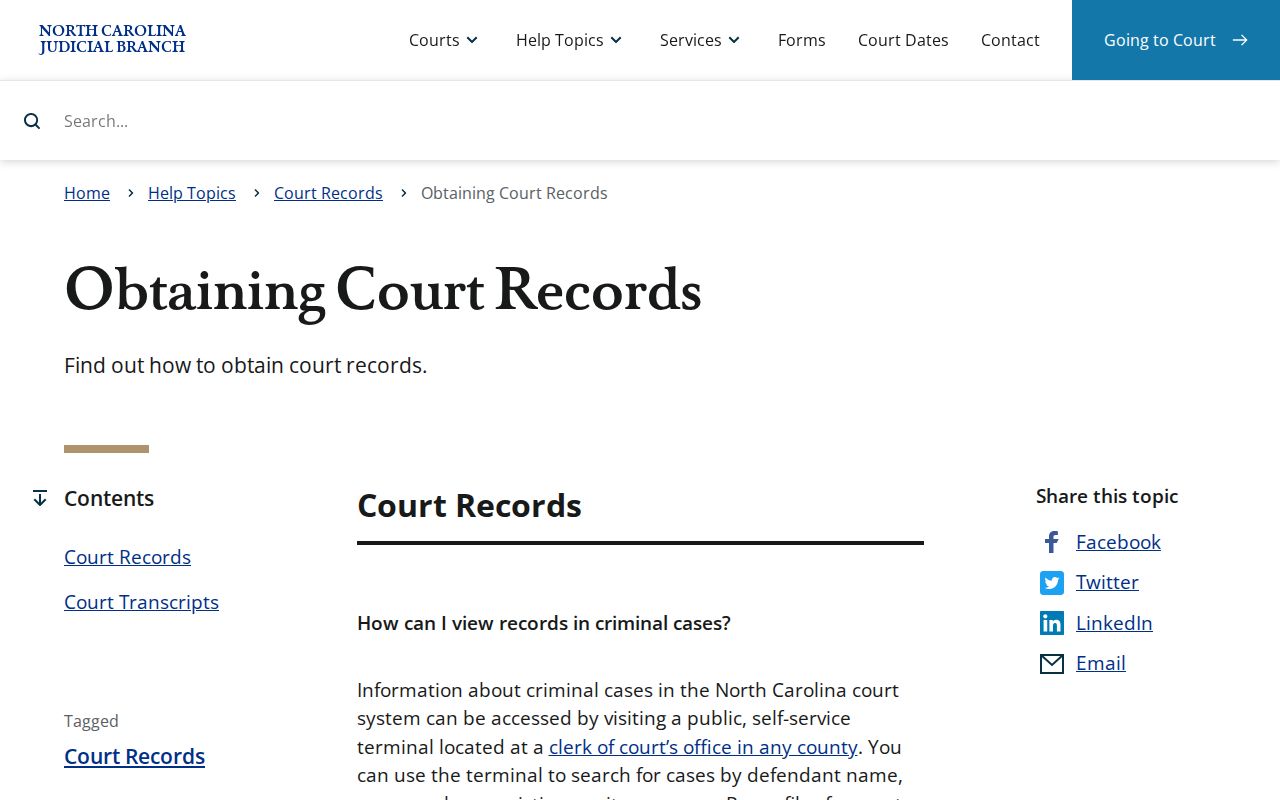
That approach keeps a Currituck request on track: locate the case first, then turn to the Currituck Clerk for whatever specific item you need.
Currituck Court File Requests
Know which office does what. NCAOC handles the administrative records it holds. But it says plainly that it is not the custodian of court documents or case information and cannot certify them. Anything from a Currituck case file belongs with the Currituck Clerk of Superior Court in Currituck County. That is where the case was filed. The item might be a pleading, an order, a judgment, or a request for in-person inspection. Sending a local request to the wrong office only delays it.
Currituck runs one unified clerk structure. The same clerk keeps the official files for Superior Court and District Court alike, covering criminal, civil, estates, special proceedings, small claims, and the clerk-side records tied to those divisions. The Portal can point you to a public Currituck record. Yet a saved Case Summary is not a Clerk-certified copy. No case number yet? A focused Currituck case search can give you what a clerk request needs.
Currituck Clerk of Superior Court
2801 Caratoke Highway
Currituck, NC 27929
(252) 232-6200
Monday through Friday, 8:30 a.m. to 5:00 p.m.
Note: No official Currituck source sets a routine turnaround time for ordinary court-file copies, so confirm timing directly with the Currituck Clerk.
Types of Court Records
Currituck court records span the whole unified trial-court system. Behind a Portal timeline sit the Clerk’s files. What you can reach depends on the Currituck case type and any restriction that applies. A public Case Summary helps you tell apart two different asks: one signed order versus the full run of filings. Superior Court and District Court are separate trial divisions. Even so, the same Currituck Clerk holds the case records for both.
- Currituck Case Summaries or Registers of Actions showing public Case Events, hearings, and dispositions.
- Filed pleadings, motions, orders, judgments, and public exhibits in a specific Currituck case file.
- Public criminal and civil records from the appropriate Currituck trial division.
- Currituck estate and nonconfidential special-proceeding records maintained through the Clerk.
- Currituck audio or transcript materials that follow their own request process when a recording or reporter is available.
Public availability does not mean every item in a listed file can be copied. The Currituck Clerk applies the governing access limits to each document and case type.
Currituck Court Record Layers
Currituck court records sit in three layers. Each answers a different question. A Portal Case Summary is the indexed public timeline. A filed document is the motion, order, judgment, or exhibit underneath that timeline. A certified copy is the official item the Currituck Clerk issues. Confusing these layers is the classic route to a mistaken request.
| Record layer | What it provides | Official status |
|---|---|---|
| Case Summary | Public Currituck case information, events, hearings, dispositions, and financial information where applicable. | A useful Portal reference, not the official court record. |
| Filed document | The public Currituck pleading, order, judgment, or other case-file material requested by document. | Availability depends on the case and document restrictions. |
| Certified copy | A Currituck Clerk-issued copy or certificate for an identified Currituck record. | The official certification route. |
Currituck went live with eCourts on February 5, 2024. Portal can surface public items soon after upload to Odyssey, but it cannot certify a Currituck court record. Name the document first, then tell the Clerk whether you want an ordinary copy or a certification.
Currituck Court Portal History
The February 2024 eCourts rollout moved Currituck case information into the same Enterprise Justice and Odyssey environment. That environment powers the statewide Portal. Free public Case Summary search became available for public case types. The Currituck Clerk stayed the official holder of the local court record. That is why a public Currituck record can have an online Case Summary even though a certified copy still comes only from the Clerk.
Older events were converted into the new system along the way. Converted pre-Odyssey entries get a 12:00 AM time stamp from Portal. That reflects the system conversion. It is not a real hearing time. When an older Currituck court record looks missing or unclear, use the courthouse terminal, file inspection, or the Clerk.
What a Court Record Contains
A public Currituck Case Summary follows a predictable layout. It can show case and assignment information, party information, Case Events, dispositions, and hearings. Financial information appears where applicable. Civil, family, probate, and mental-health records can also show causes of action. Keep one limit in mind. A filed document's precise content differs from the Portal view, and public access to that document still depends on the record's status.
| Case number | A Currituck Enterprise Justice identifier made from a two-digit year, type letters, six-digit sequence, and three-digit county identifier; copy the number as printed. |
|---|---|
| Assignment information | The Currituck court or judicial assignment information shown in the public Currituck Case Summary. |
| Case Events | The dated chronological entries that record actions in the Currituck court case. |
| Hearings and dispositions | Currituck scheduled hearing information and recorded outcomes or status entries when public. |
| Filed materials | Public Currituck pleadings, orders, judgments, and other documents available from the Clerk’s case file. |
Work through the public fields in order. If the Case Summary alone does not answer a Currituck records question, request the particular filing or certification from the Clerk.
Currituck Court Terminal Access
Do not treat the Currituck courthouse public self-service terminal as a mere backup. Remote Portal search sometimes returns nothing. The terminal may hold the needed public record. State guidance for Currituck says terminal users can search criminal cases by defendant name, case number, victim name, or witness name. The terminal supports civil and estate matters too. Nonconfidential special-proceeding information is also available. That range helps whenever a Currituck case type or search field does not fit a routine remote lookup.
Portal and the terminal overlap. The two channels are not identical. Portal supports public downloads and eligible card payments. The courthouse terminal, in turn, can make some case types available to an anonymous user in ways remote access does not match. For an official copy, a certification, inspection of an available file, or a question about a restricted record, the Clerk is still the place to go.
Currituck Court Audio Records
Audio, a transcript, and a Currituck docket entry are three separate things. A nonconfidential audio recording may be requested through Form AOC-G-114 if one is available. Confidential case types take a different route. Those requests use Form AOC-G-115 and require asking the court for permission. An audio CD, when available, carries its actual cost. There is no published universal CD price.
- Audio recording
- A recording requested through the Clerk when one exists and the case is not restricted.
- Transcript
- A word-for-word record arranged with the court reporter or an appropriate transcriptionist; reporters set their own rates.
- Case Summary
- The public Portal timeline, not a substitute for an audio recording, transcript, or certified Currituck court record.
Ask the Clerk which route fits the hearing and document requested. A transcript is not a routine copy request; its source and price differ, so do not present it as one.
Certified Copies and Fees
A certified Currituck court copy comes from the Clerk, not from Portal. North Carolina law sets the preparation charge. That charge is $2. It covers the first page of each document. Each additional page or fraction adds $0.25. A certificate under seal costs $3, and an exemplification costs $10. Certification services can add to the copy work. So describe the record and the kind of authentication sought when you contact the Clerk.
| Currituck court-record service | Published fee |
|---|---|
| Clerk-prepared copy, first page of each document | $2.00 |
| Each additional copied page or fraction | $0.25 |
| Certificate under seal | $3.00 |
| Exemplification of records | $10.00 |
| Criminal record search | $25.00 |
| Portal public search | Free |
Portal public search is free. Card payments for eligible Portal charges carry a 2.39% transaction fee with a $1 minimum. Visa, Mastercard, and Discover are accepted. Electronic checks are not. The official Currituck payment information page separates local payment channels from the general mail-copy procedure.
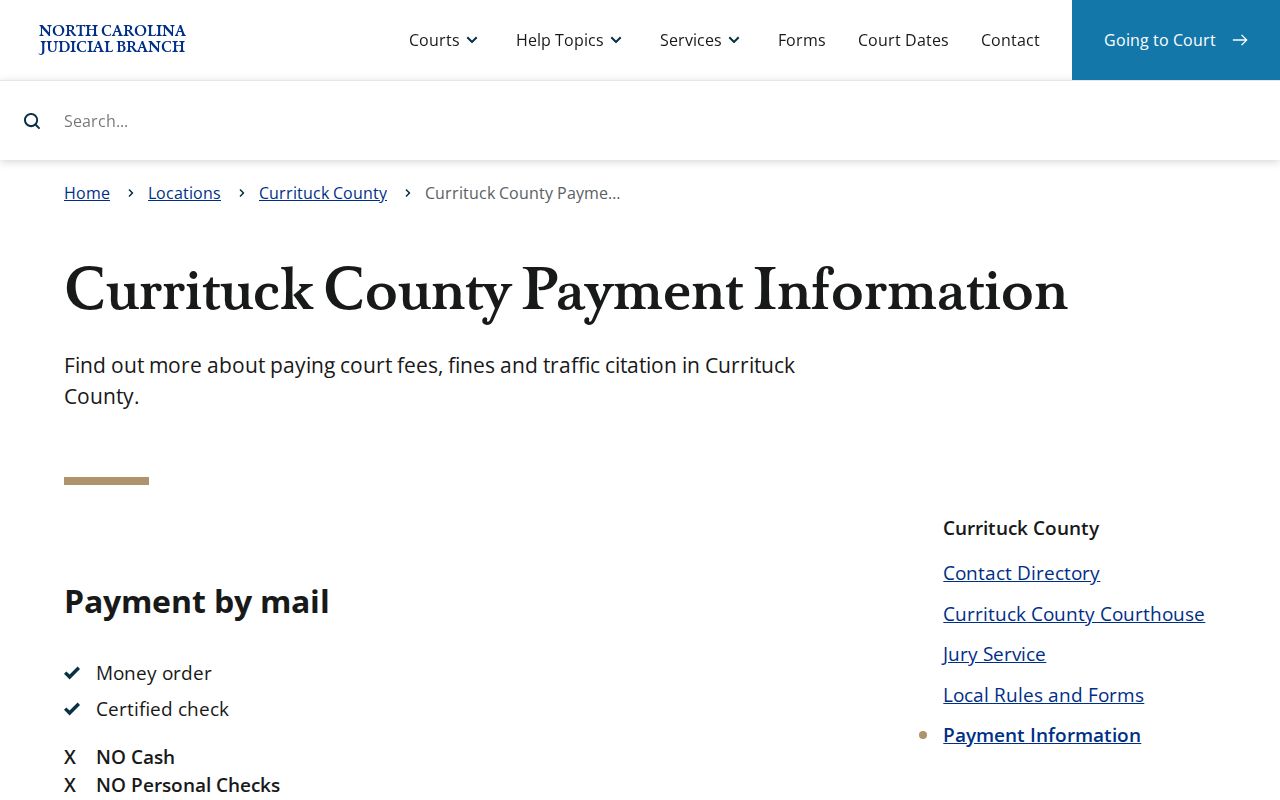
Before treating any payment instruction as a copy-order form, confirm the exact fee and accepted method with the Clerk. That is the reliable way to order a Currituck court record.
Currituck Court Exemplification
An exemplification is a higher form of record authentication offered by the Currituck Clerk. It is not an ordinary copy, a certificate under seal, or a Portal download. The statutory exemplification fee is $10. Copy work can still apply. The Clerk must identify the document first. When asking about exemplification, give the record's exact case number and describe the document. The Clerk can identify which Currituck court-record service is available. Whether an ordinary copy, certificate under seal, or exemplification is needed for the outside purpose is the requester's call.
Currituck Court Redaction Process
A public court-web image can still display a sensitive personal identifier that qualifies for removal. G.S. 132-1.10 provides a written redaction-request route for specified identifiers. The request must identify the document and where the identifier sits. No redaction fee is charged, the statute says.
Redaction is a narrow tool. It does not convert a restricted Currituck court record into a public one, and it does not replace the Clerk for an official copy. Before making the request, preserve the case information needed to pinpoint the document.
Public Access and Sealed Records
Public inspection of Currituck court records starts with the Clerk's files and public Portal information. State law and any court order still apply. Records that are ordinarily public can be inspected during regular office hours. Confidential, sealed, or expunged records are not. Registering in Portal can save public cases. It does not expand what you may see.
Key Rules:
G.S. 7A-109 requires the Clerk to maintain court records and generally permits public inspection unless another law limits access.
G.S. 7A-308 sets the clerk fees for copies, certificates, exemplifications, and criminal-record searches.
G.S. 132-6.2 does not require an agency to create or compile a record that does not exist.
G.S. 7B-3000 withholds juvenile records from public inspection except as the law or court permits.
G.S. 15A-151 limits disclosure of confidential expunction files.
Some matters stay closed in Currituck County. The county's court FAQ identifies adoptions, juvenile matters, involuntary commitments, and incompetency hearings as cases not open to the public.
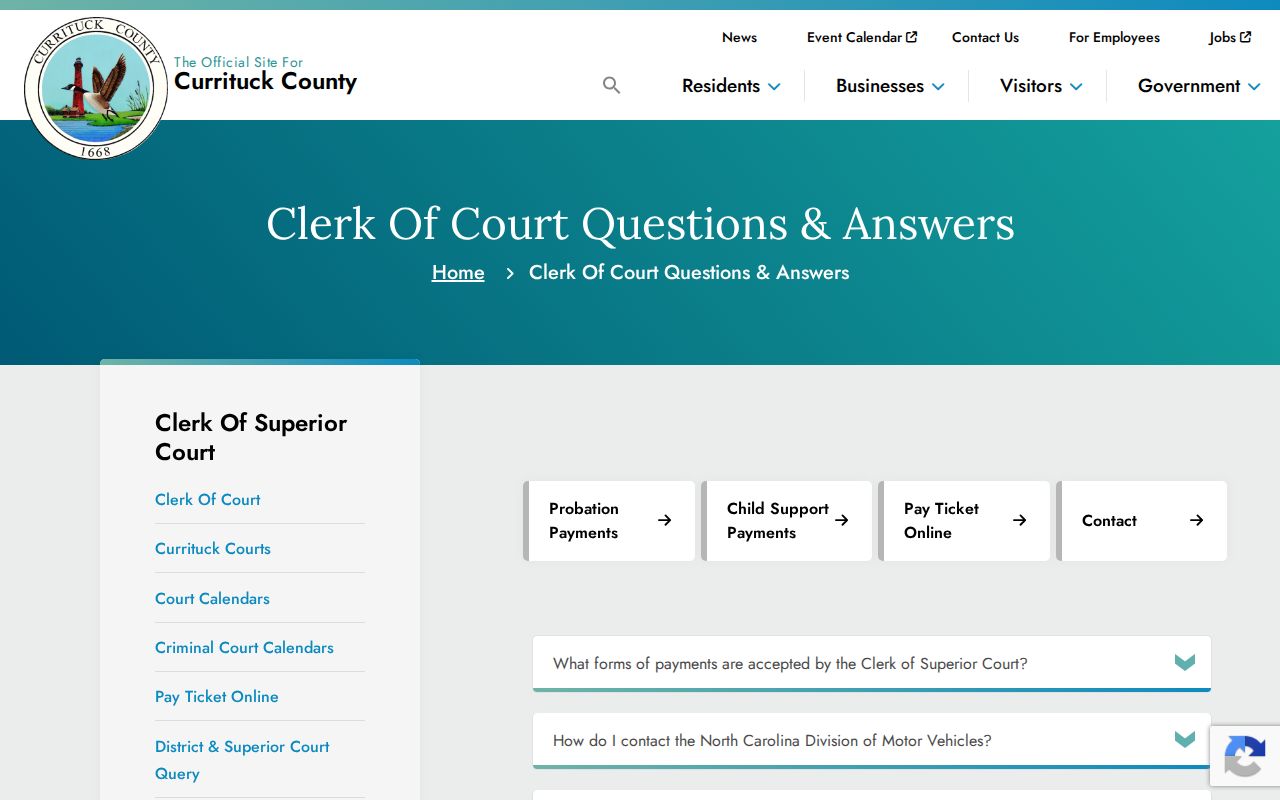
That local limit explains a common frustration. A Currituck docket search can return no public result even where the court system itself holds the record.
Currituck Court Record Limits
Some files stay private no matter what. Juvenile cases, adoptions, and involuntary-commitment papers do not become public just because a Currituck case turns up in a search. Incompetency hearings, sealed files, and expunged records are held back the same way. So is an unreturned warrant. Certain restricted documents also sit outside the ordinary public Portal. A court order sometimes controls who may see a Currituck court record. When it does, that order plus the applicable statute set the route. A routine clerk copy request cannot override either one.
Expunction works differently. It is a separate legal process. It can remove a charge or conviction and then seal or destroy the state records tied to it. The Judicial Branch’s expunction information page explains that a sealed or expunged court record no longer appears online once processing is done. It also warns that a later copy of an expunction order cannot be obtained from the Clerk. By that point the related files, the order itself included, have been destroyed.
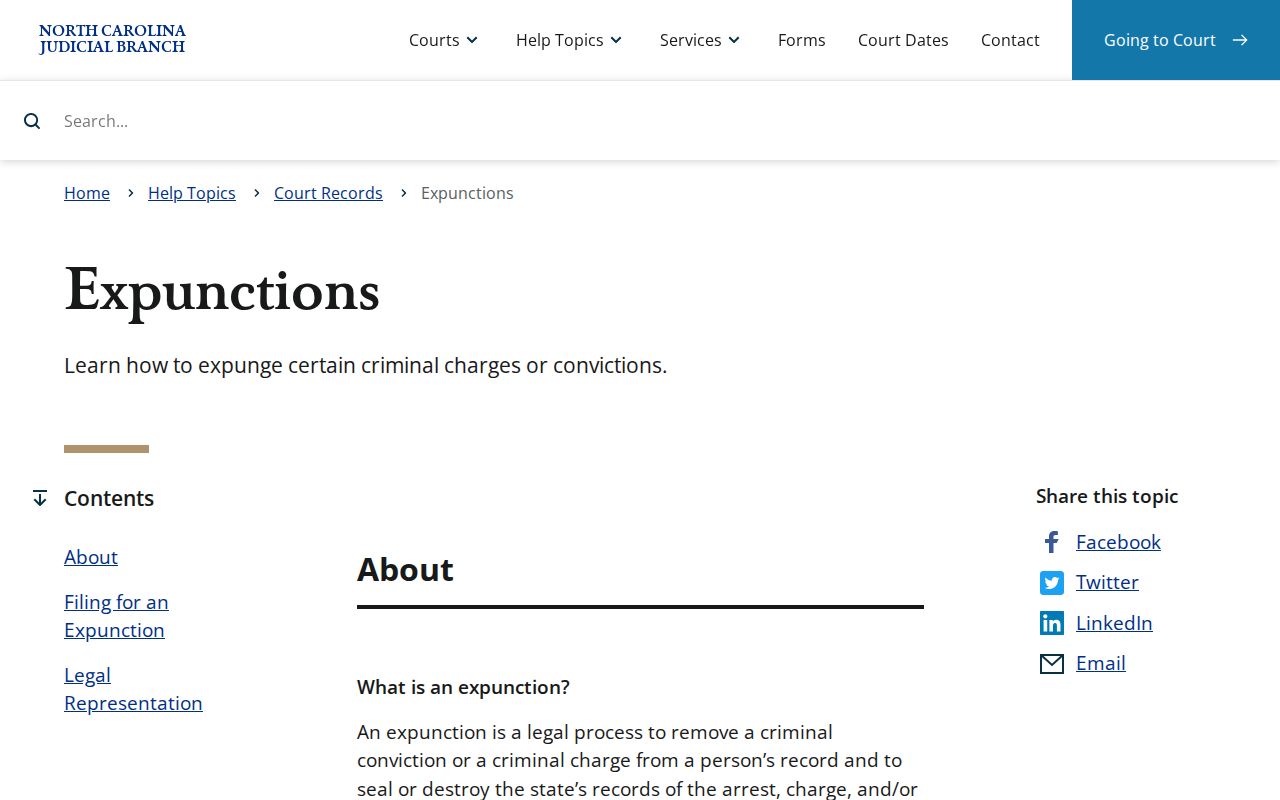
Before you chase a restricted Currituck court record, ask the Clerk about the authorized procedure. Do not assume a public Portal result or the ordinary inspection route will be open to you.