
Currituck Court Calendar Search Hearings
For a live hearing check, the tool is the North Carolina eCourts Portal. Its Search Hearings function covers the current Currituck hearing calendar, not a case's full history. You can search by case number, party name, business name, attorney name, attorney bar number, judicial officer, or courtroom. A case number is the cleanest start. A party or business name works when no number is handy.
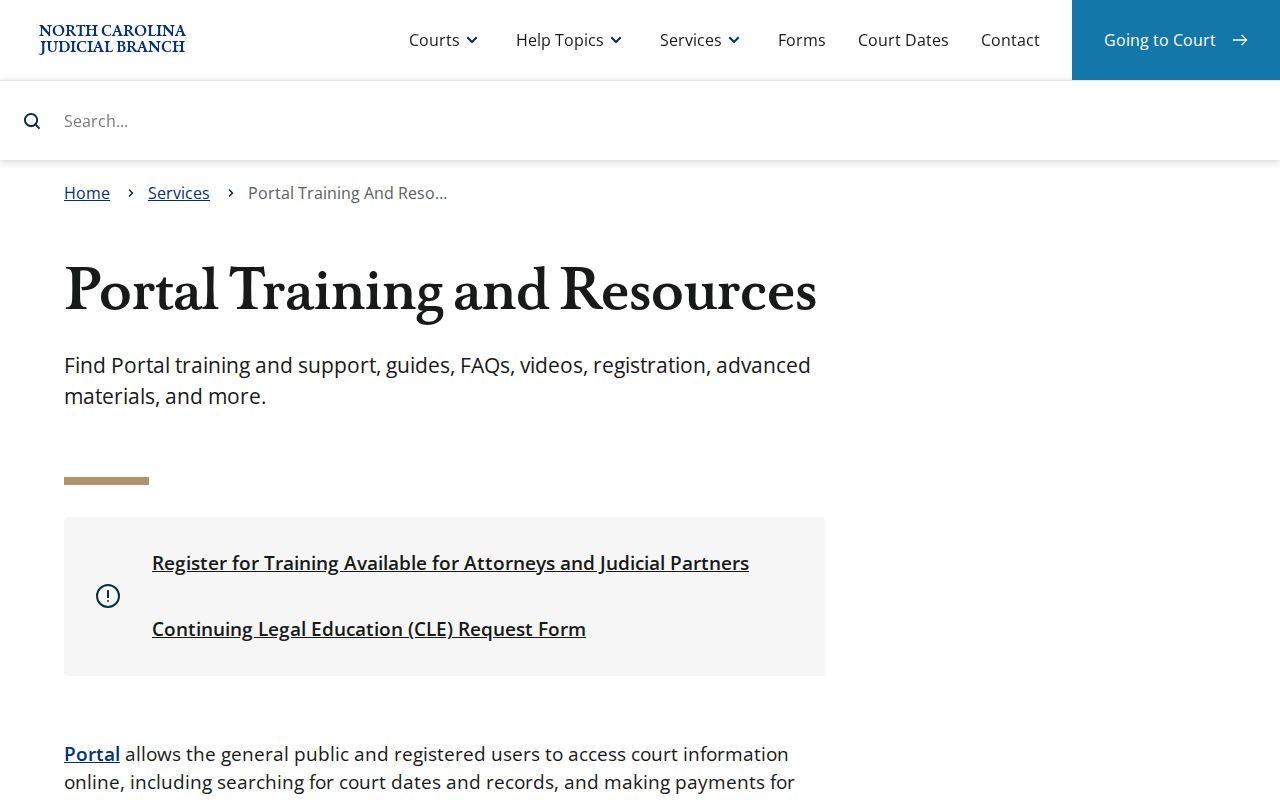
Think of Search Hearings as a time-and-place check. It does not replace the Currituck Case Summary. That summary holds the public Register of Actions and its Case Events. Currituck cases have run on eCourts since February 2024. The Portal therefore serves both Currituck Superior and District Court matters online. The Currituck Clerk of Superior Court keeps the underlying court file. The Judicial Branch's Portal training and resources page explains Smart Search, Search Hearings, and the related public tools in detail. The training page breaks each tool down step by step.
Here is the practical split. Use Search Hearings for the live setting in a Currituck court calendar question, then Smart Search to read the case record around that setting.
The Currituck County Court Calendar
Three official Currituck views work side by side. Search Hearings gives the current case-level calendar result. The Currituck Case Summary shows the public hearing block plus the chronological Case Events. The Judicial Branch also publishes county-filtered Currituck civil and criminal calendars. Each view does a different job, so a session listing is never personal notice for a specific Currituck case.
The Currituck County Judicial Branch page collects the local calendar and online-service routes in one place. It also situates Currituck inside the unified North Carolina trial-court system. Currituck Superior Court handles felonies, civil matters above the statutory threshold, and District Court appeals. Currituck District Court takes routine traffic, misdemeanors, lower-value civil matters, family matters, and juvenile matters. Both divisions share the same Clerk-held record environment.
What if the online calendar and the case record disagree? Give weight to the newer case-specific information, but treat neither as final without Clerk confirmation. A Currituck calendar entry can change after a party first sees it.
Currituck Court Calendar Links
For a posted session view, open the official Currituck civil calendar or Currituck criminal calendar. Both links arrive pre-filtered for the Currituck calendar type. They tell you whether a civil or criminal session is posted, and you can then compare that session against the date from Currituck Search Hearings or the Case Summary.
The Judicial Branch posts no Currituck-specific daily printed calendar. That gap matters. Do not assume a daily sheet sits at a counter, or that a general session posting names every Currituck case to be heard. For an individual date, run the case search. If the result is missing, close in time, or unclear, use the Currituck Clerk confirmation route.
Currituck Court Calendar Setting Terms
The words on a Currituck court calendar carry different meanings. A master calendar identifies court sessions. A hearing is the current setting tied to one case. A Case Event is the chronological docket entry that explains why a hearing moved or what happened before it. Keeping these straight stops a broad Currituck session date from being read as personal court notice.
- Master calendar
- A published Currituck court-session schedule used for orientation, not a substitute for a case hearing.
- Hearing
- A current Currituck calendar record of a case location and time.
- Case Event
- A chronological Currituck Register-of-Actions entry that may record a filing, order, disposition, or calendar activity.
- Continuance or reset
- A moved Currituck court date. Read the actual Case Event wording instead of expanding an abbreviation by guesswork.
How to Find Your Court Date
A solid Currituck court-date check uses every channel in order. Start with one, then move to the next. That sequence keeps a posted session, an older event, or a spelling mismatch from being mistaken for a current personal setting in a Currituck docket search.
- Open the Currituck eCourts Portal and use Smart Search with the case number or a party name to locate the public Currituck Case Summary.
- Read the Currituck Hearings area and the last relevant Currituck Case Events. Keep the case number exactly as it appears on a notice, citation, or order.
- Use Currituck Search Hearings with a case number, party name, business name, attorney information, judicial officer, or courtroom to check the current Currituck calendar.
- Compare the result with the posted Currituck civil or criminal calendar when the Currituck case type makes that comparison useful.
- Call the Currituck Clerk of Superior Court at (252) 232‑6200, or ask at the Currituck public counter at 2801 Caratoke Highway, if no result appears, the date is close, or the sources conflict. The courthouse is open on weekdays from 8:30 a.m. to 5:00 p.m.
The Currituck public self-service terminal at the Clerk's office is another fallback. It covers Currituck criminal, civil, special-proceeding, and estate information, and it helps when a Portal result is missing or older material needs checking. It cannot turn restricted material into public material.
Note: The Currituck Clerk can confirm operational court information, but only a court or counsel can give legal advice about a Currituck case response.
Currituck Court Calendar Case Events
A posted date means little on its own. The public Case Summary is what gives it context. Inside the Portal, a case splits into Case Information, Assignment Information, Party Information, causes of action where applicable, Case Events, dispositions, hearings, and financial information where applicable. The hearing result shows only the current calendar side of the case. Case Events are the chronological entries, and each one can record a filing, an order, a disposition, or calendar activity in the Currituck court docket.
Older Currituck entries need a careful eye. Events carried over from the pre-eCourts system can carry a time of 12:00 AM. That time may be a conversion artifact rather than a real midnight hearing. Read the event text against the current Hearings block, and confirm any date that matters with the Clerk instead of inferring a time from the converted entry. For the system behind it all, the statewide eCourts overview describes the Enterprise Justice/Odyssey platform that now supports the online court-information layer for Currituck County case lookup.
A Currituck court calendar entry earns its meaning from company. Read the current hearing result beside the dated Case Events, never in isolation, and the picture holds together.
Reading a Court Setting
A setting is simply a scheduled court appearance or case event. Search Hearings returns hearing locations and times. The live calendar does not promise a fixed set of result columns, so trust only the labels actually shown for the case. Do not assume every result will display a courtroom, a judicial officer, or a setting type.
The fields a Currituck docket search may show call for careful reading. The Case Summary remains the best place to compare a current hearing with the prior record. Names, rooms, and labels can all change, so each one needs current confirmation with the Clerk.
| Date | The scheduled hearing date shown in the current result or Case Summary. |
|---|---|
| Time | The listed hearing time. A 12:00 AM time on an older converted Case Event may not be an actual setting time. |
| Courtroom | A search criterion or displayed location when the current result supplies it; it is not a guaranteed public column. |
| Judicial officer | A current search criterion or assignment detail when shown, not a reason to presume a permanent judge assignment. |
| Setting type | The wording shown in the current case record. No Currituck-specific public abbreviation glossary supports guessing at an unexplained label. |
Currituck Court Calendar Sessions
The 2026 First Judicial District scheduling orders slot Currituck into a multi-county rotating schedule. Civil and criminal sessions rotate across the district. That master schedule offers helpful session orientation. It cannot prove that a named person's case is set during the session. Superior Court also rotates judges. That is one more reason a master-calendar abbreviation should never be read as an individual setting.
Court time can vary too. The county court information tells callers to verify it, especially as a case draws near. A criminal session marks a scheduled criminal-court period. A civil session marks a scheduled civil-work period. Neither phrase substitutes for an actual case hearing entry on the Currituck docket.
- Master calendar
- A published court-session schedule used for orientation, not a substitute for a case hearing.
- Hearing
- A current calendar record of a case location and time.
- Case Event
- A chronological Register-of-Actions entry that may record a filing, order, disposition, or calendar activity.
- Continuance or reset
- A moved court date. Read the actual Case Event wording instead of expanding an abbreviation by guesswork.
Resets, Continuances, and Cancellations
A continuance or reset moves a setting. The safest read starts with the actual Case Event wording. Then read the current Hearings result. An older calendar posting may still explain why a session existed, yet it cannot establish that the case remains on it. Currituck publishes no public code glossary, so unfamiliar abbreviations should never be translated by guesswork.
Cancellations and closures deserve the same caution. Changes appear on no fixed posting interval. A missing result is never a confirmed cancellation. When a setting is near, when a calendar result conflicts with the Case Summary, or when a result disappears, call the Currituck Clerk at (252) 232‑6200. A Currituck case search can pull up the Case Summary first so the call is informed.
Note: a prior posting is history. The current hearing entry and Clerk confirmation settle the practical date question.
Currituck Court Calendar Remote Appearances
Currituck posts no blanket remote-appearance link and no countywide Zoom or Webex policy. So do not presume a remote option from a hearing appearing in Portal. A session schedule does not add one. Nor does the fact that eCourts puts case information online. Instructions, where they exist, are case- and court-specific.
Check the current case entry, the notice, any order, or counsel's instructions before anything else. Those sources may not say whether an appearance must be in person. Then contact the Clerk for current operational information. That keeps the line clear between public calendar access and an authorized way to appear in a Currituck County court.
Currituck Court Calendar Conflicts
Conflicting calendar results call for a confirmation chain, not a guess. Compare the Case Summary hearing block and the last relevant Case Events against Search Hearings. Add a civil or criminal session posting when one applies. If the date is close, telephone the Clerk. A missing result deserves the same call. So does a disagreement between two sources. No other Currituck channel can overrule the Clerk's official case file.
A cancellation, weather closure, or continuance should be confirmed, never inferred from an earlier display. The county courthouse page carries a court-date link. The Judicial Branch runs a closure service. Neither lets a reader assume a particular case was cancelled without current case information from the Currituck court docket.
What To Do If You Miss a Setting
Act promptly after a missed Currituck setting. Pull up the Case Summary and Search Hearings with the case number or party name. Then call the Clerk. Learn whether the court recorded a new date or another case event. Waiting for an old calendar posting to refresh is a mistake. The right next step can hinge on the case type, an existing order, and whether counsel is involved. The court docket alone rarely settles it.
Missed a Setting? A missed court date can have serious case-specific consequences, so confirm the current status without delay.
Call the Currituck Clerk of Superior Court at (252) 232‑6200 to confirm the court record and any current setting.
A licensed attorney can advise a party about a missed Currituck setting and any response required by the court.
Currituck Court Calendar Confirmation
For any Currituck court calendar question, the Clerk of Superior Court has the final answer locally. Call (252) 232‑6200. You can also visit the public counter at 2801 Caratoke Highway with a case number or a party name. The office keeps weekday hours from 8:30 a.m. to 5:00 p.m. Some entries will not resolve online. An older docket entry or a public case type can stall there, and the self-service terminal in the office and the Clerk-held court file are dependable fallbacks.
The Portal works well as a public reference. Still, it is not the official record. The Clerk gives you operational confirmation of a court date and supplies official copies whenever you need the actual court file.